Adobe Photoshop & Premiere Elements 2027
Adobe Photoshop & Premiere Elements 2027 – Turn your favorite moments into something extraordinary
A sunset by the sea, an unforgettable birthday, your child's first steps, or the most beautiful moments from your last holiday: Photos and videos capture experiences that matter. Yet many of these precious memories remain forgotten on computers and smartphones for years.
With Adobe Photoshop & Premiere Elements 2027, you can bring those memories back to life.
Enhance your favorite photographs, explore imaginative editing techniques, and transform individual video clips into beautiful movies. Two versatile creative applications give you exciting opportunities to preserve special moments and express your creativity.
Photoshop Elements – Discover the hidden potential in your photos
Turn ordinary snapshots into beautiful photographs
Have you captured a wonderful scene, but the picture looks too dark? Is there a distracting object in the background? Or do the colors seem less vibrant than you remember?
Photoshop Elements helps you improve these images with practical editing tools.
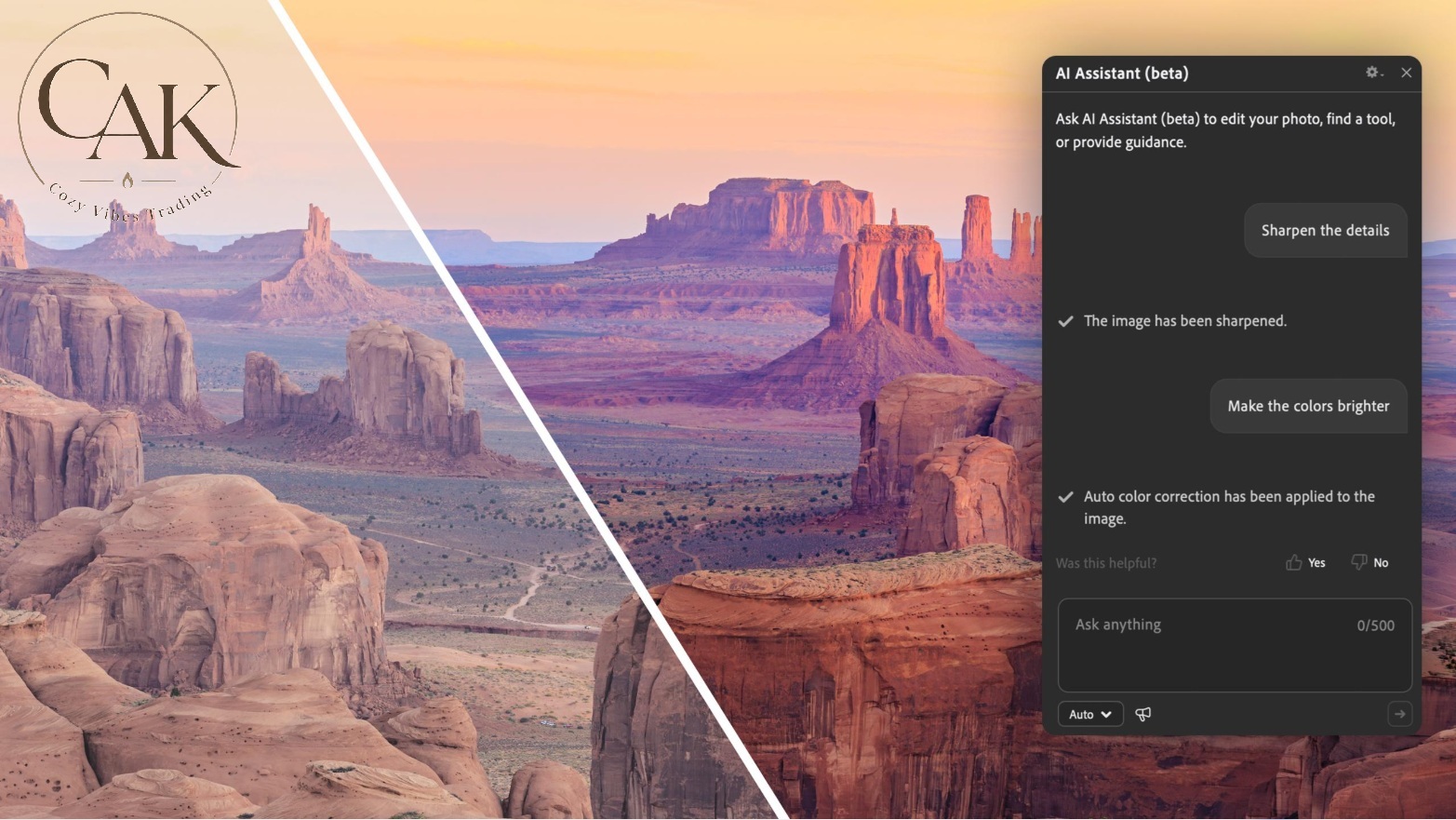
- Bring colors to life: Give landscapes, flowers, and holiday pictures rich, natural-looking colors.
- Improve brightness and contrast: Reveal details in darker areas and make your photographs more expressive.
- Remove unwanted objects: Eliminate distracting elements so the main subject gets the attention it deserves.
- Enhance portraits: Adjust skin tones, lighting, and small imperfections for natural-looking results.
- Improve photo composition: Straighten tilted images and choose the most attractive crop.
- Create beautiful backgrounds: Separate subjects from their surroundings and combine them with different backgrounds.
Imagine a beautiful holiday picture where an unwanted object spoils the view of the sea. Remove the distraction, enhance the colors, and turn the photograph into something you would love to print and display.
Bring old family photographs back to life
Old photographs preserve valuable memories. Over time, however, colors fade, scratches appear, and images lose some of their original beauty.
Photoshop Elements offers restoration tools that can help refresh digitized photographs.
- Reduce visible scratches and minor damage.
- Improve faded colors and weak contrast.
- Adjust brightness and image composition.
- Experiment with adding color to old black-and-white photographs.
- Create enhanced copies while preserving your original files.
Rediscover photographs of parents, grandparents, and special family celebrations, and give treasured memories a fresh appearance.
Create personal photo projects that bring joy
Why leave beautiful photographs hidden on your computer?
Turn your favorite pictures into creative projects that you can print, share, or give as thoughtful gifts.
- Design photo collages featuring your favorite holiday memories.
- Create personalized birthday and greeting cards.
- Combine photographs with decorative text and effects.
- Design unique invitations.
- Create before-and-after photo comparisons.
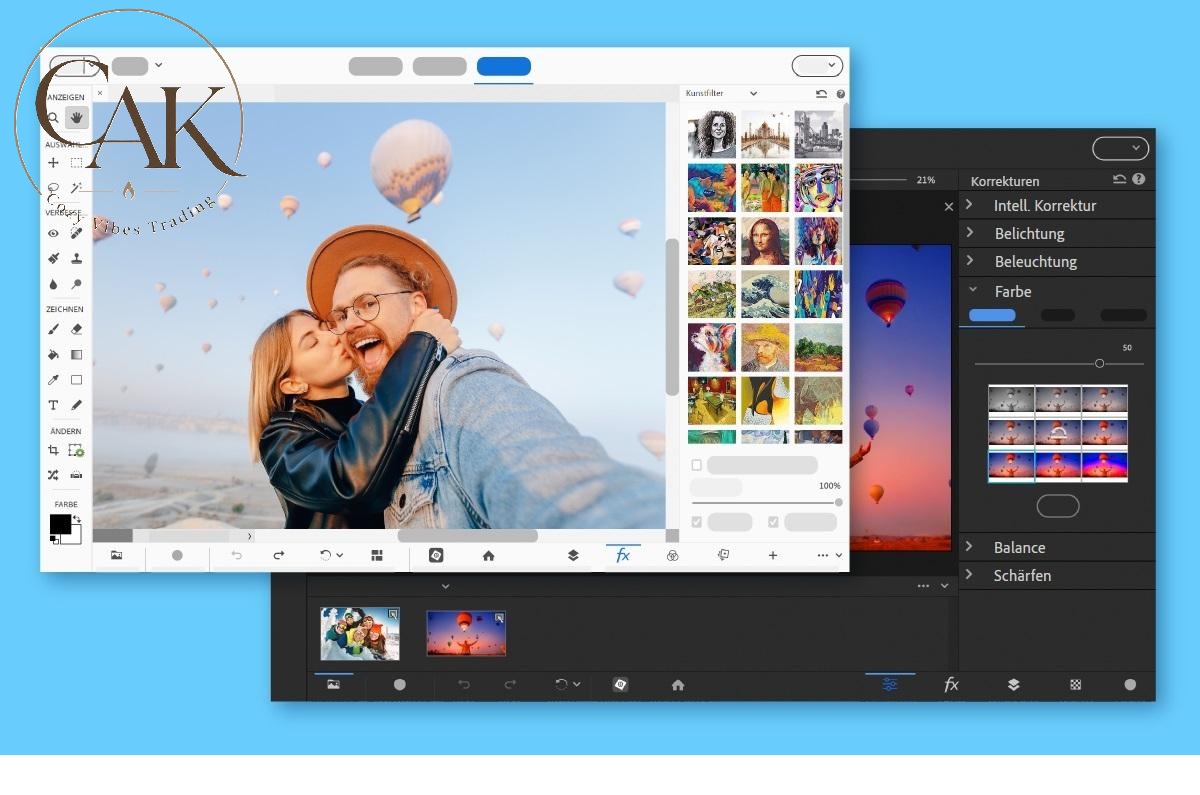
- Experiment with artistic filters and imaginative compositions.
A personalized photo collage filled with shared memories can become a meaningful gift that brings happiness for years.
Smart tools make creative editing easier
Beautiful photo editing does not always require hours of work.
Photoshop Elements helps simplify creative tasks with automatic improvements, AI-powered tools, and guided editing features.
Explore different visual styles, enhance photographs with a few adjustments, and follow step-by-step instructions for more advanced creative projects.
Experiment with new ideas and see how each change transforms your picture.
Premiere Elements – Transform video clips into personal movies
Tell your favorite stories through moving pictures
A short video from the beach, a birthday celebration, an adventure with friends, or a family gathering: Individual recordings capture small parts of an experience.
Premiere Elements helps you bring these moments together into one memorable story.
- Trim video clips: Remove shaky, unnecessary, or unsuccessful scenes.
- Combine recordings: Arrange individual clips into an engaging movie.
- Add transitions: Create smooth changes between scenes.
- Include music: Bring cheerful, exciting, or emotional moments to life with a suitable soundtrack.
- Design titles: Add personal headings, location names, and text overlays.
- Enhance colors: Adjust brightness, contrast, and the overall appearance of your footage.
- Change playback speed: Use slow motion or time-lapse effects to highlight special moments.
Turn a collection of short smartphone recordings into a beautiful memory movie to enjoy with family and friends.
Create your own holiday movie
Imagine returning from a wonderful holiday with dozens of memorable video clips.
Start your movie with a breathtaking landscape. Continue with your favorite experiences: a sunny beach, a walk through a charming town, a special dinner, and the sunset on your final evening.
Add music, smooth transitions, and a personal opening title.
The result is a movie that captures not only the places you visited but also the atmosphere and emotions of your journey.
Preserve birthdays, weddings, and family celebrations
Special occasions deserve special movies.
Combine footage from celebrations, heartfelt messages, and unforgettable moments. Add meaningful text and music that reflects the mood of the event.
Create a birthday movie featuring memories from several years, or put together an emotional collection of family highlights.
These personal movies can become treasured keepsakes that you will enjoy watching again and again.
Make your videos more exciting with effects and animations
Give your recordings a distinctive creative style.
- Create animated titles for an impressive movie opening.
- Connect scenes with attractive transitions.
- Use time-lapse effects to show longer activities in a shorter sequence.
- Highlight special moments with slow-motion effects.
- Add photographs, text, and graphic elements.
- Match your visuals with the mood and rhythm of your music.
Even small creative changes can make a noticeable difference to the final result.
Save time with intelligent editing features
Selecting the best moments from a large collection of video recordings can take time.
Intelligent editing tools help you identify interesting scenes and simplify the process of assembling video projects.
Explore automatic editing suggestions, guided workflows, and practical templates to create attractive results more efficiently.
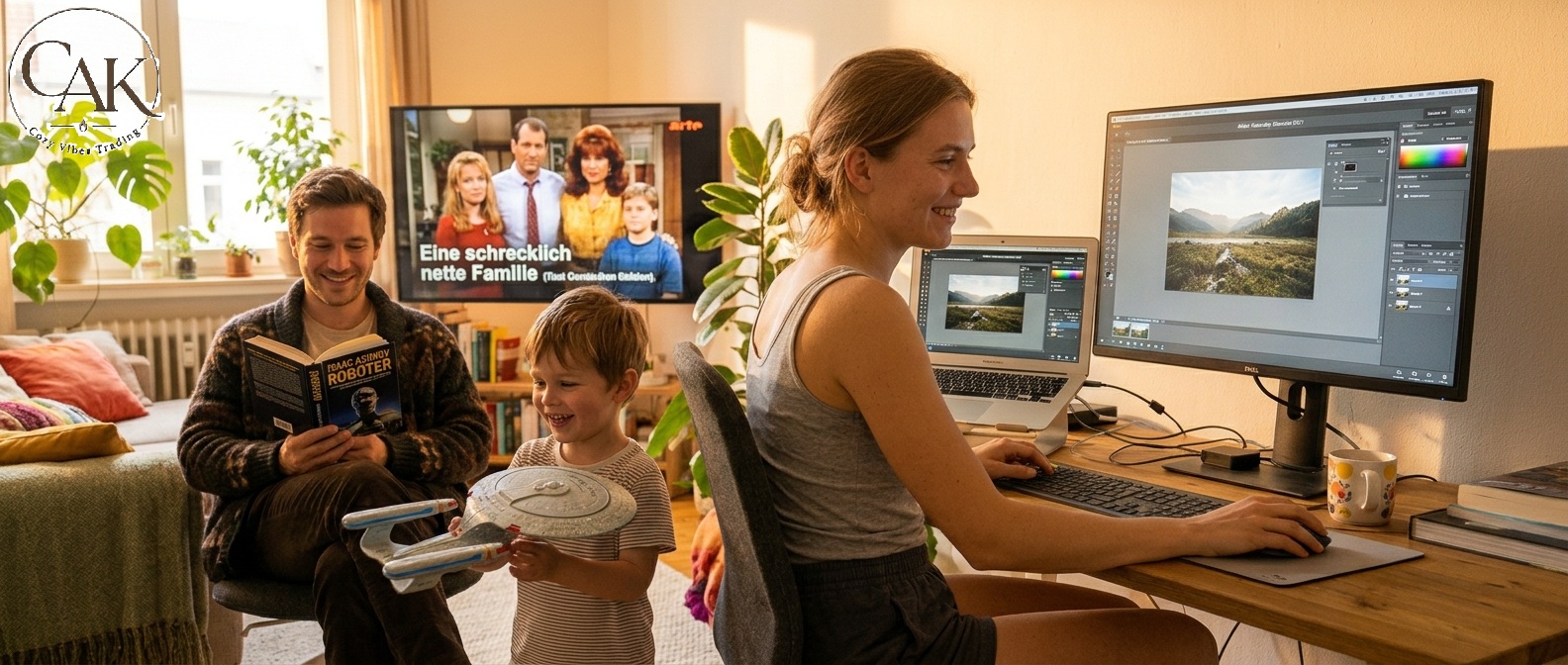
You remain in control of the creative decisions: Choose which scenes to keep, which music to include, and how your finished movie should look.
Photoshop and Premiere Elements – Two applications, even more creative possibilities
One of the biggest advantages of this creative package is the combination of photo editing and video production.
Start by enhancing your favorite pictures in Photoshop Elements. Then bring those photographs into Premiere Elements to create a video.
Combine still images with moving footage, add music, and build your own personal visual story.
For example, imagine creating a movie featuring the highlights of an entire year.
Choose your favorite photographs, improve their colors and brightness, and combine them with short recordings from birthdays, holidays, and family adventures.
The result is a personal year-in-review movie that you can enjoy and share with the people who matter most.
Your memories deserve something special
Photos and videos are more than digital files. They remind us of people, places, feelings, and experiences that make life meaningful.
Adobe Photoshop & Premiere Elements 2027 gives you creative tools to enhance these memories, express your ideas, and transform everyday recordings into something memorable.
**Discover the joy of creating: Turn an ordinary photograph into a favorite picture, individual clips into an impressive movie, and special moments into memories that last.**
Digital product · no physical shipping